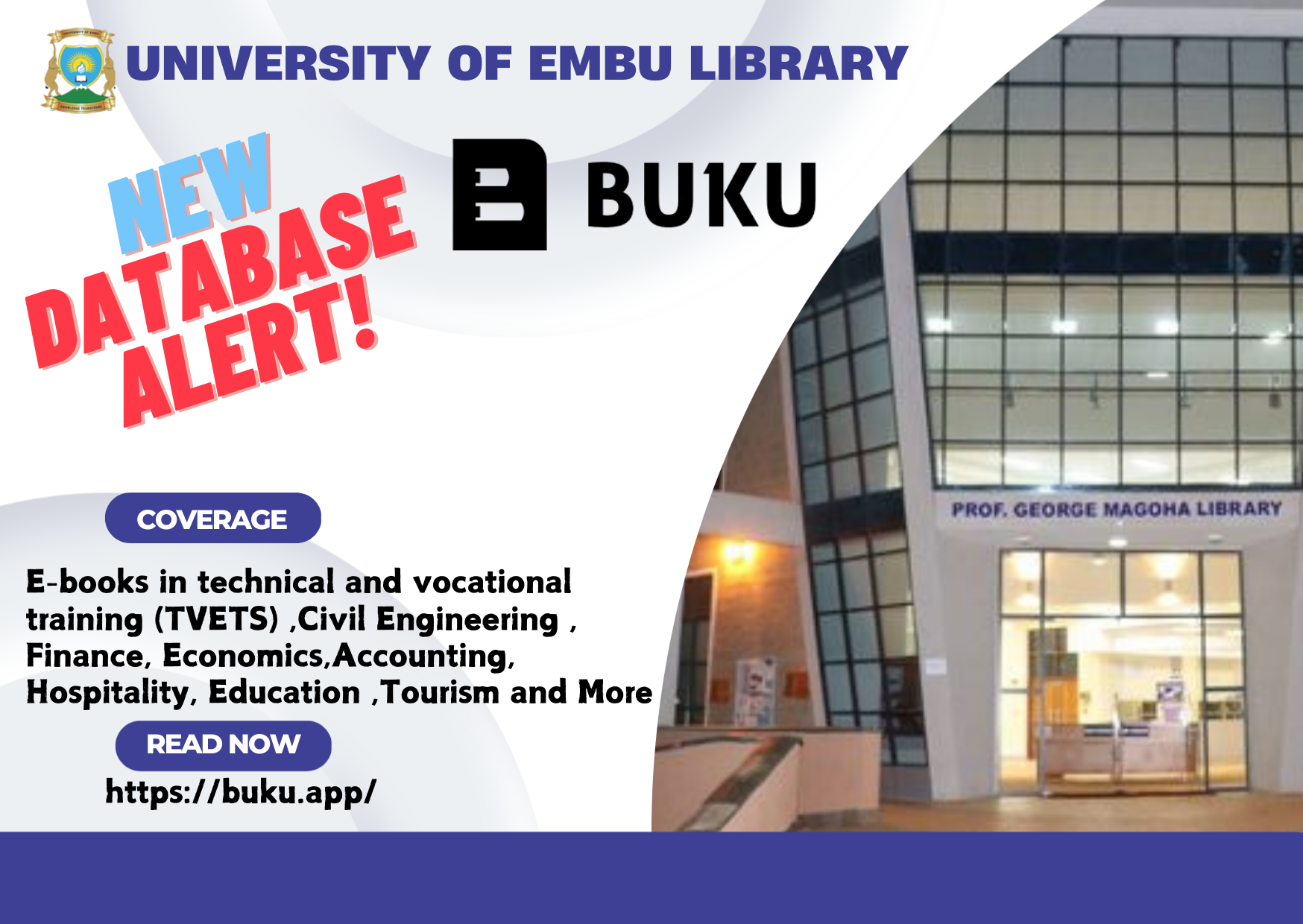
Buku.app is a digital academic database and learning platform that provides access to ebooks, research materials, course resources, and learning tools.It contains E-books in technical and vocational training (TVET), civil engineering, finance, economics, accounting,
Hospitality, Education, Tourism, and More. It can be accessed in two ways: via the mobile app (Android / iOS) and Via the web browser
How to access via Mobile app
Step 1: Open Google Play Store/App Store.
– On your phone, open the Play Store/App Store app.
Step 2: Search for Buku.app
– Tap the search bar and type “Buku app.”
– Look for the official Buku app.
Step 3: Install the App
– Tap Install
– Wait for the app to download and install.
Step 4: Open the App
– After installation, tap Open to launch Buku.app.
How to access via Web
Step 1: Open your browser
(Chrome, Edge, Firefox, etc.)
Step 2: Visit the Buku.app official website
– Go to https://buku.app
(https://library.embuni.ac.ke/eresources/)
Step 3: Click “Sign In.”
– The sign-in button is usually at the top right corner.
How to sign in
Buku.app uses institutional login, meaning you sign in through your university.
✔ Step 1: Choose “Sign in with Institution” or “Institution Login.”
On both the app and web, select the option that says “Sign in via Institution.”
✔ Step 2: Select Your Institution
– Type “University of Embu” in the search field
– Select University of Embu from the list
✔ Step 3: Enter Your University Email
Use your University of Embu student email in this format:
middleregnumber@student.embuni.ac.ke